1. Register/Log In
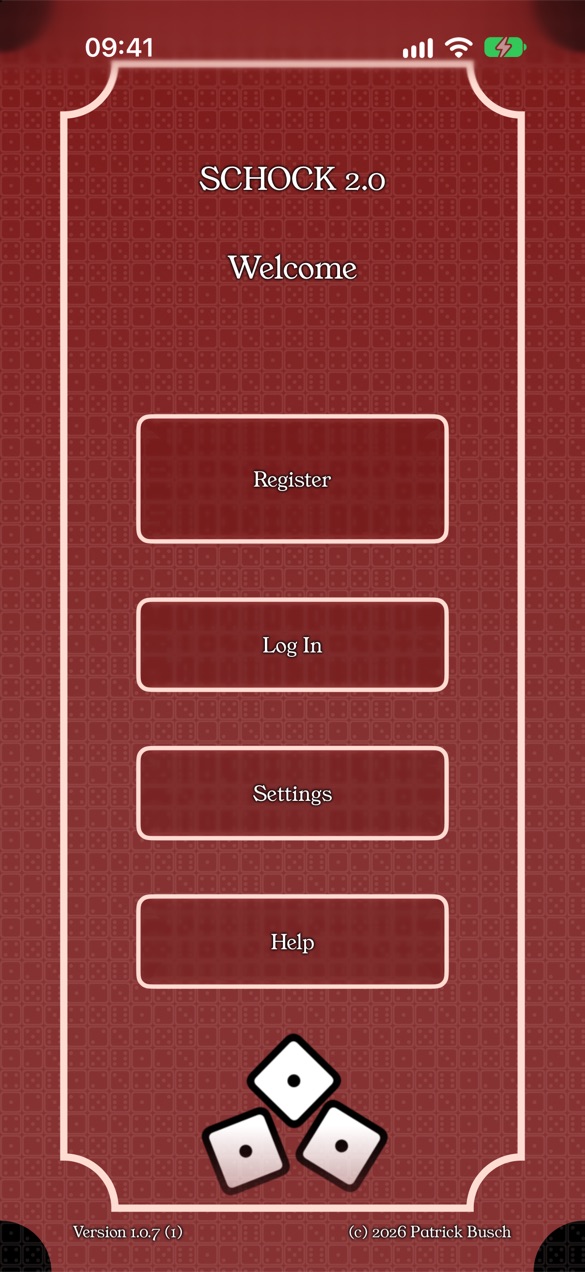
When you start the app for the first time, the welcome screen appears. Tap Register to create a new account, or Log In if you already have one.
2. Player Profile
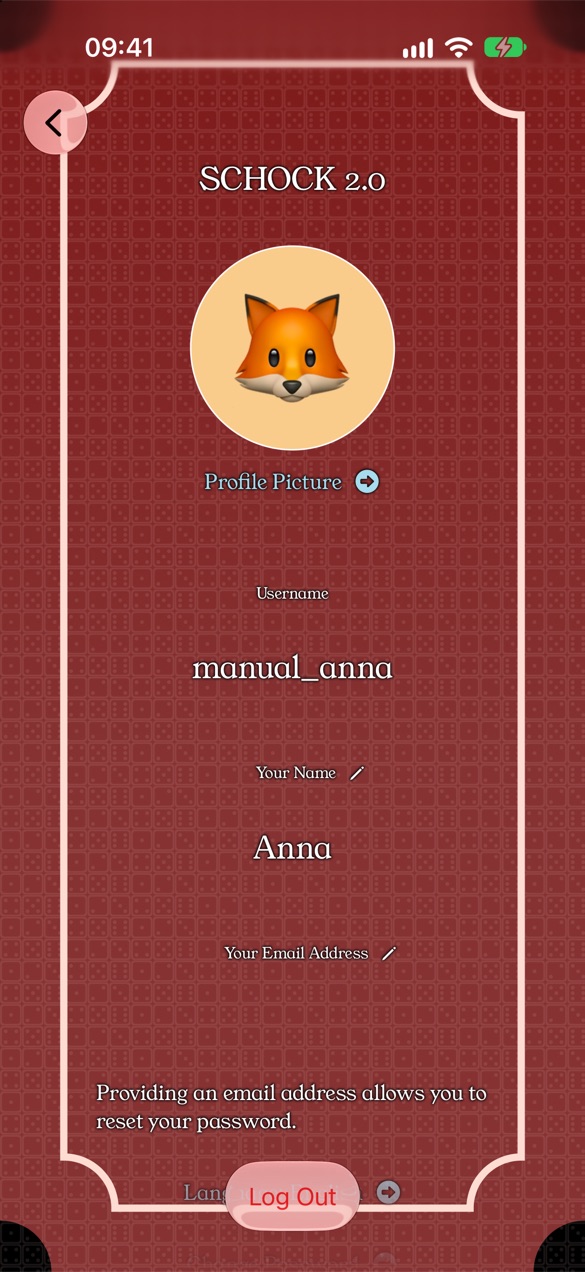
In your player profile you can set your player name and add an email address. Once you have added an email address, you can use it to reset your password.
3. Main Menu
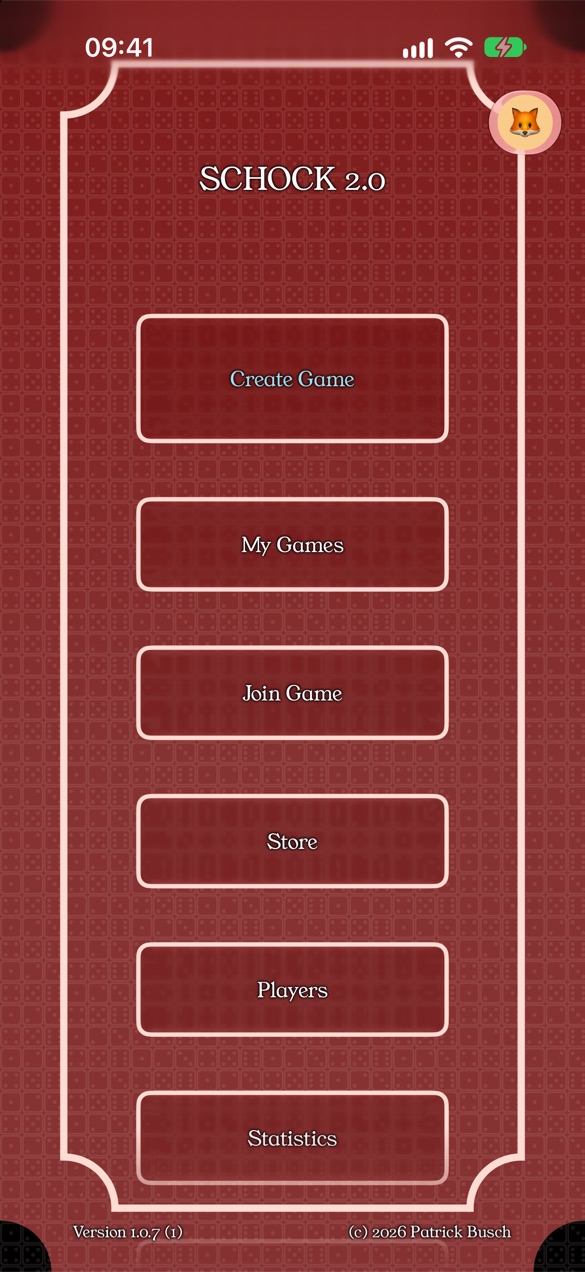
The main menu gives you access to all features of the app:
- Create Game — start a new game
- My Games — running and finished games
- Find Game — join with an invite code
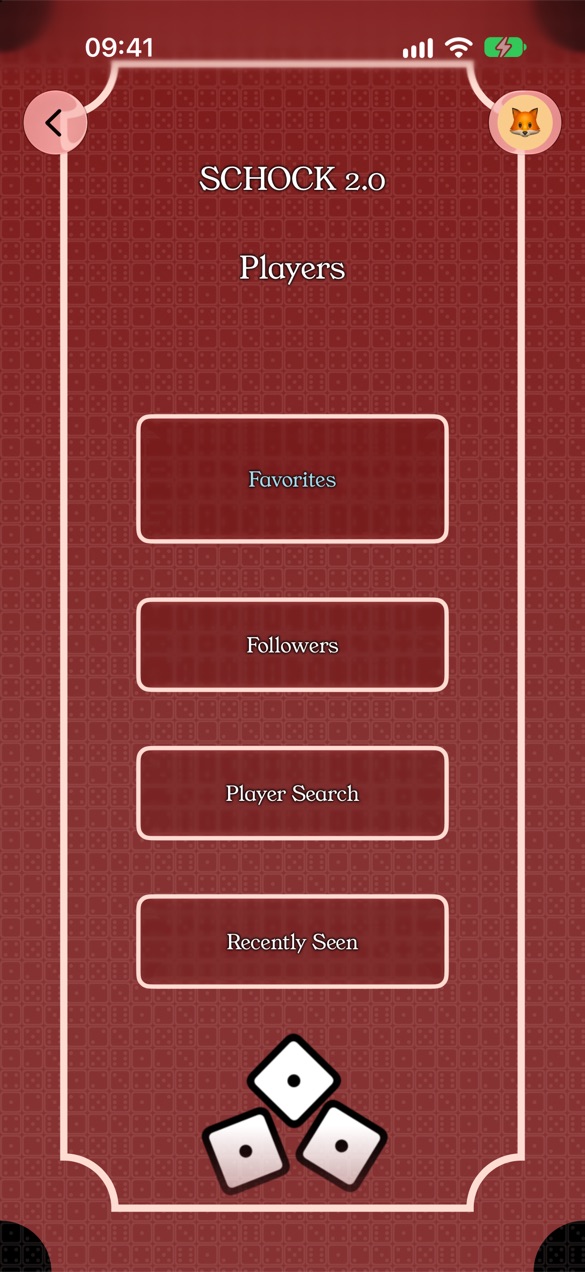
- Players — find and follow friends
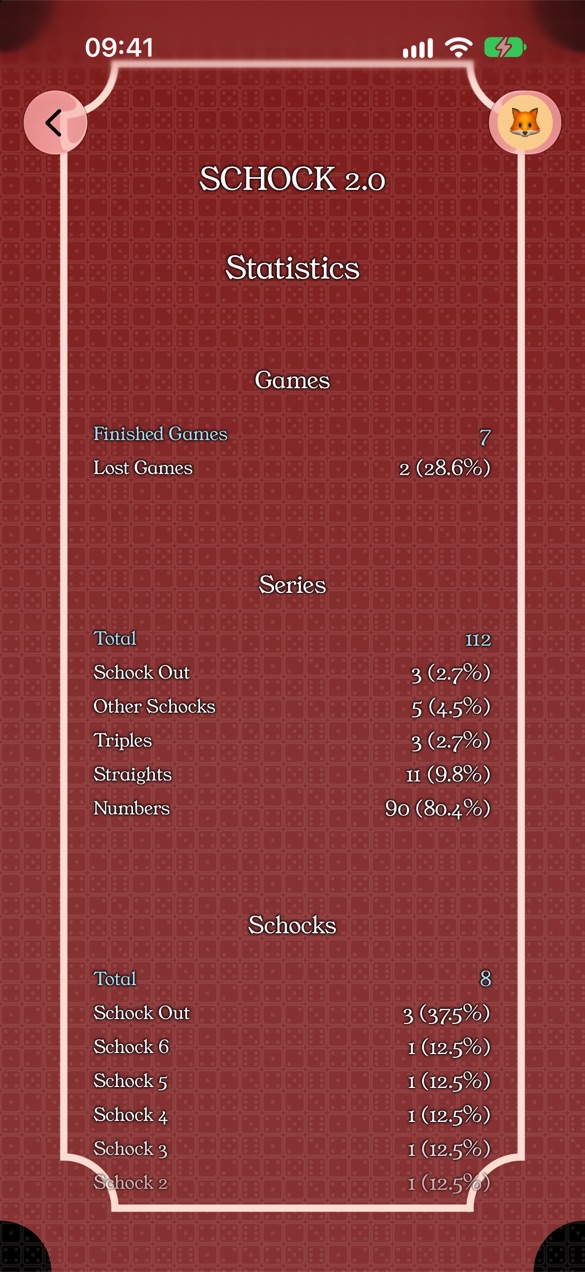
- Statistics — your record
- Settings — account, notifications, rules
- Quick Guide — this guide
4. Create or Join a Game
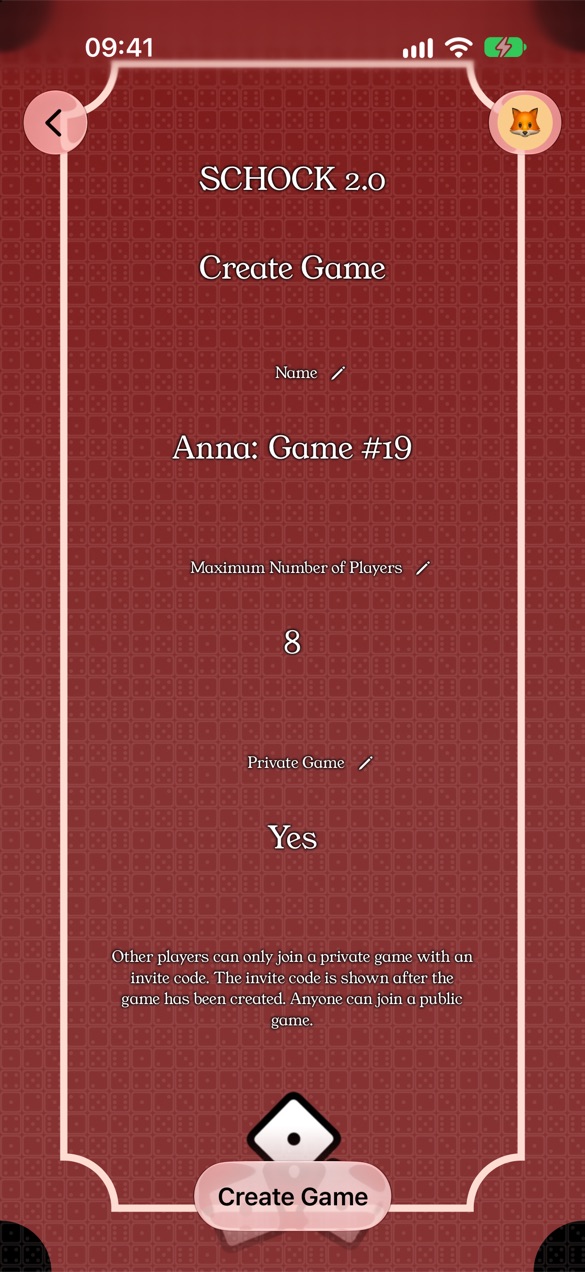
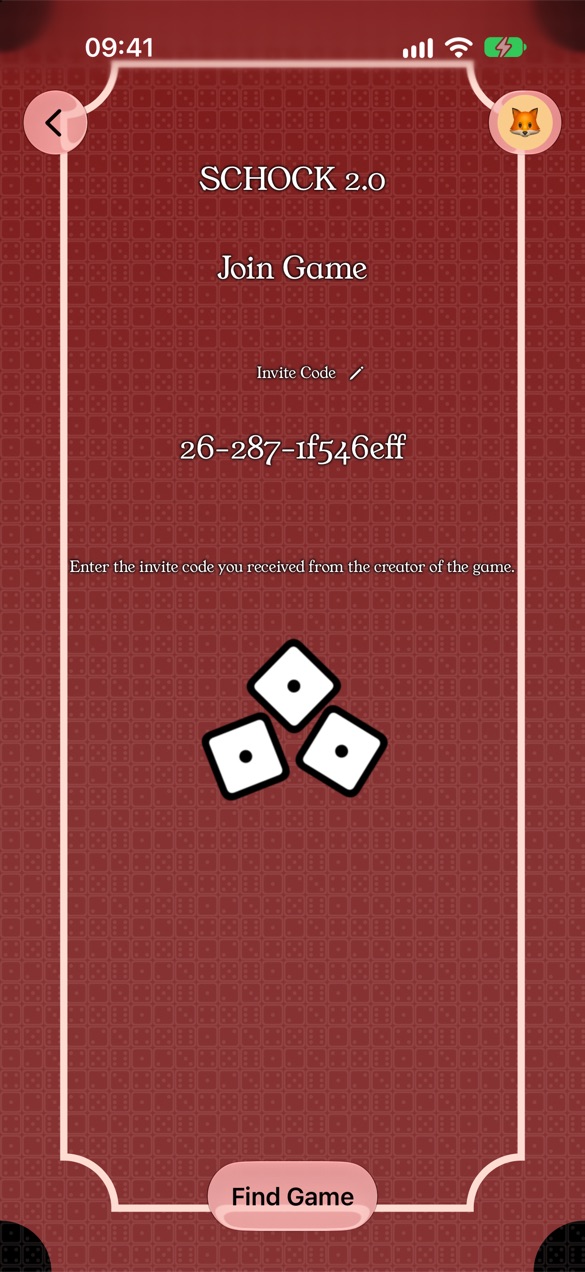
With Create Game you set up a game and get an invite link with an invite code. Share it with your fellow players — they can join directly with the link, or enter the code under Find Game and join. You can also invite players directly.
5. Playing
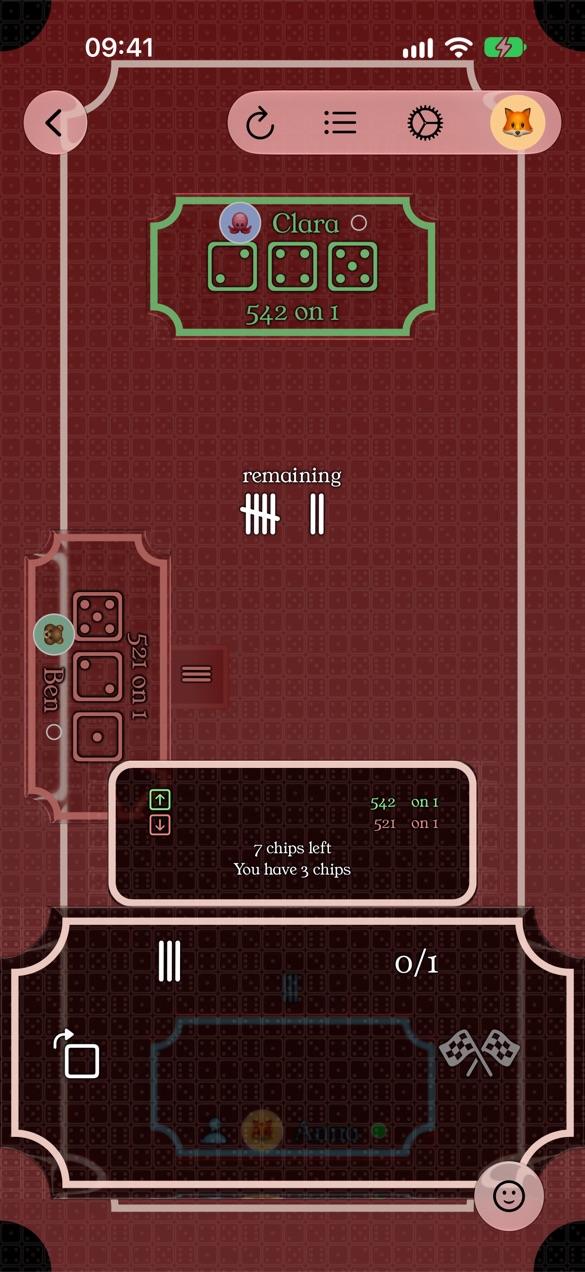
Once everyone has joined, the creator starts the game. When it's your
turn, you enter your throw on the scoreboard. The app keeps track of rounds,
halves and the end of the game automatically.
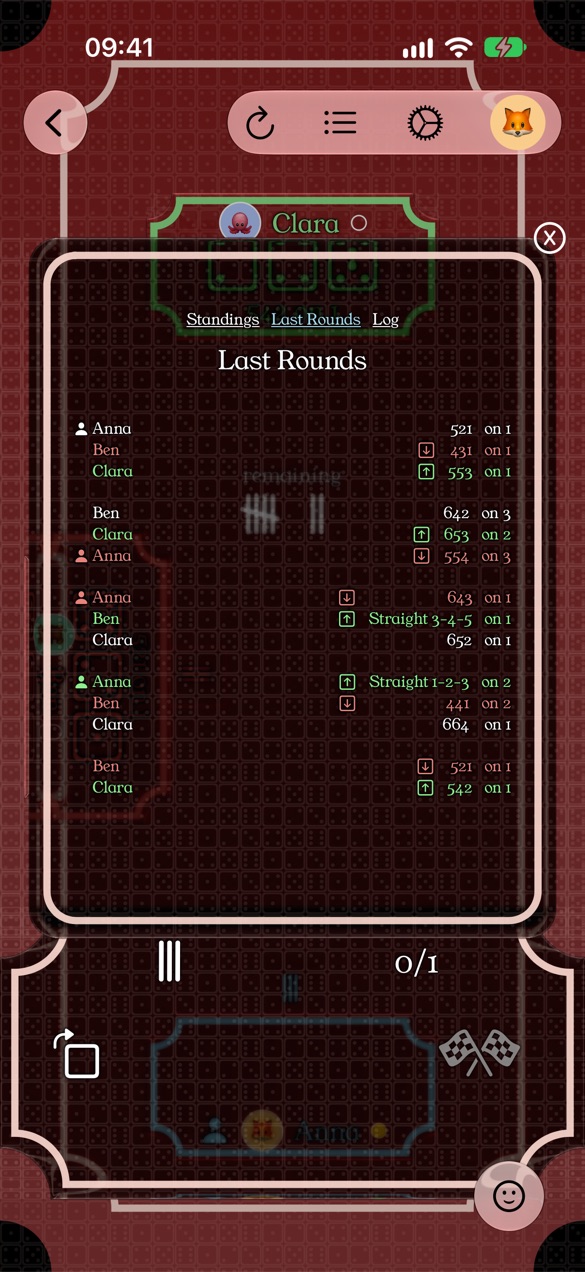
With the buttons in the
top menu you can look at previous rounds and throws.
6. Notifications
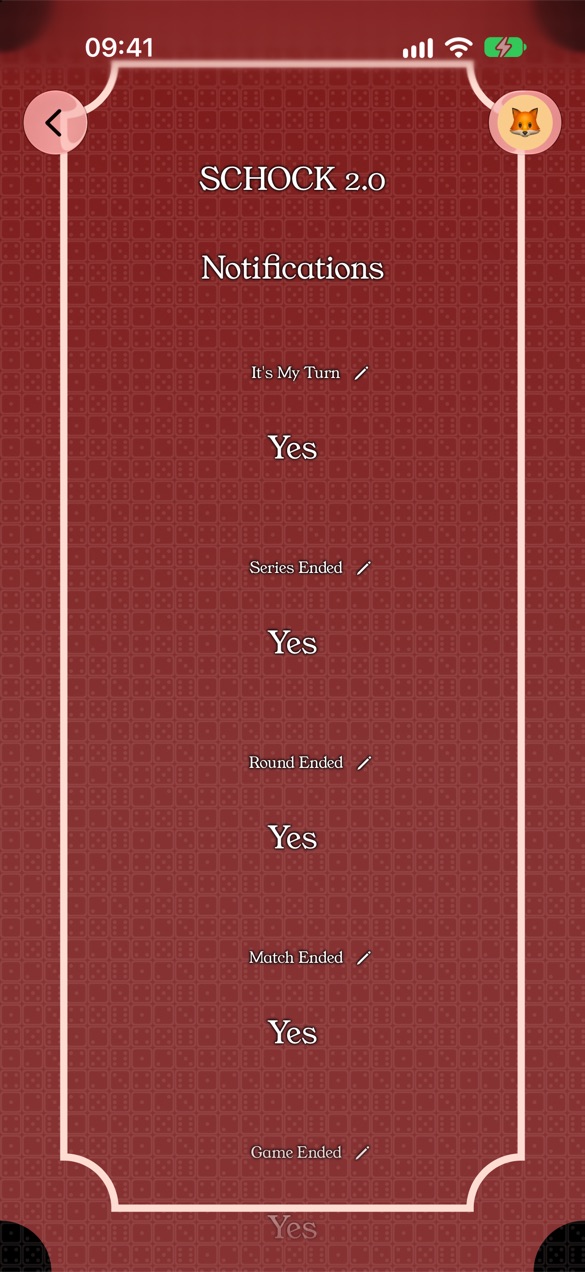
Under Settings → Notifications you choose what you want to be notified about: new throw, it's your turn, round/series ended, new follower, rematch started, and more.
7. Players & Statistics
Search for other users under Players and follow them to see their games and achievements. Under Statistics you'll find your own record.